















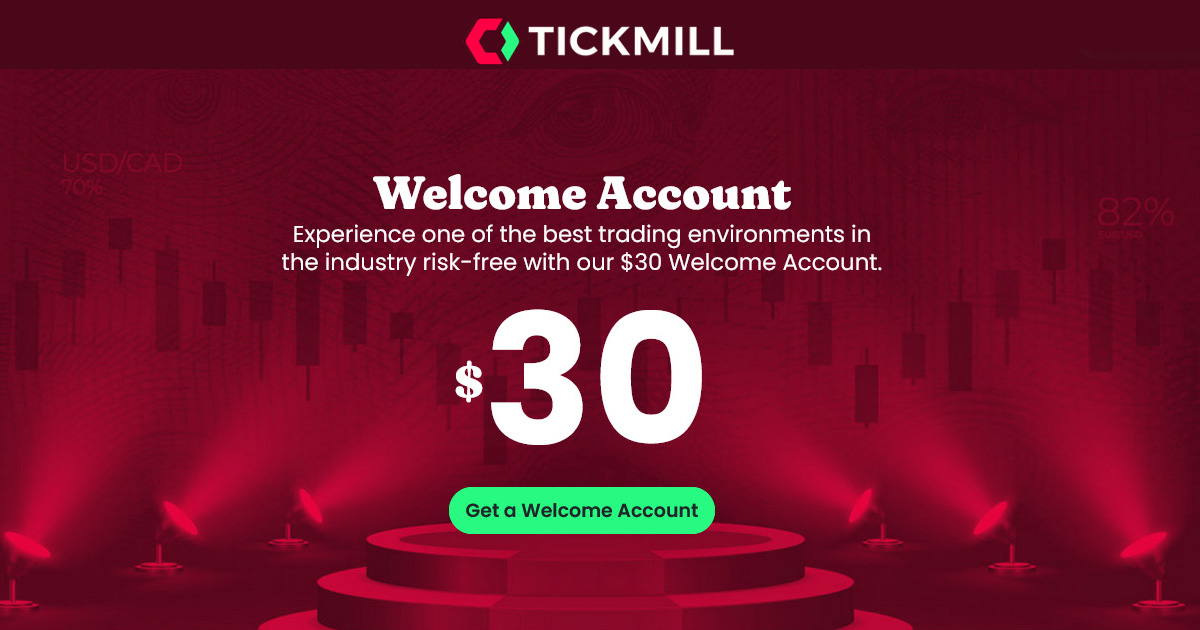
A welcome bonus is a promo brokers use to bring in new clients. A no-deposit bonus lets you start trading without putting in your own money first. Tickmill is a well-known forex and CFD broker with a client-focused approach, solid trading conditions, and regular promotions.
Note: Existing Tickmill clients cannot get the $30 Welcome Bonus. Only new clients are eligible.
What Is the Tickmill $30 Welcome Bonus?
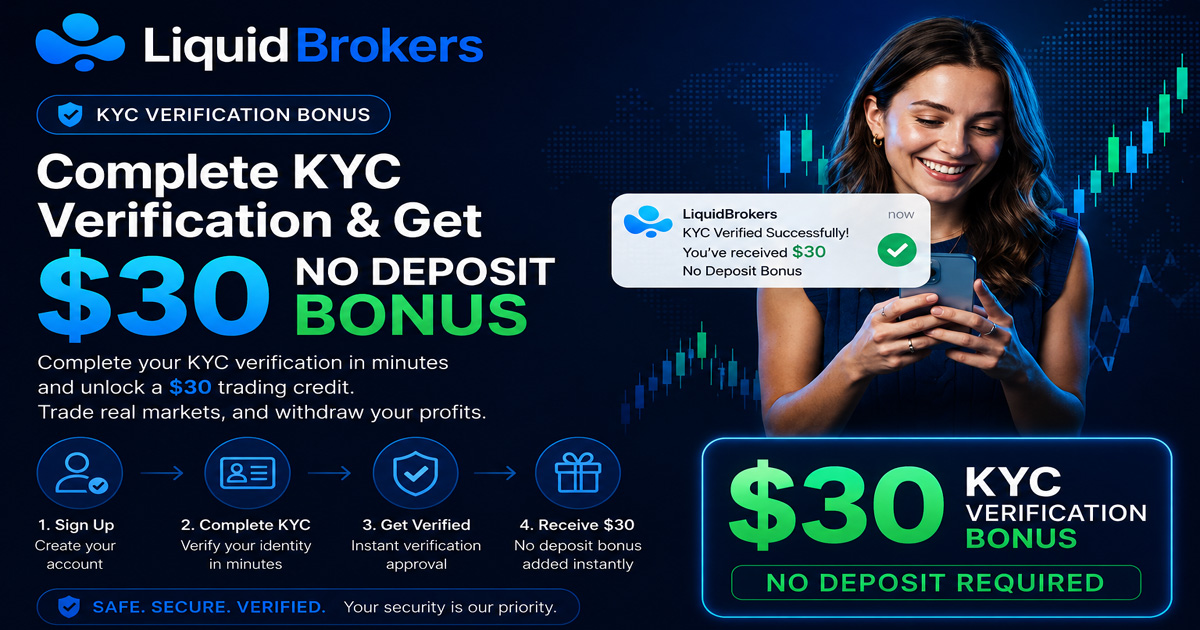
The Tickmill $30 Welcome Bonus is a no-deposit bonus for new clients. Once you sign up, Tickmill opens a special bonus account and credits it with 30 USD. You can trade with this money without making any deposit.
You can withdraw only the profits from trading, not the bonus amount itself. To cash out profits, you must trade at least 2 lots and meet all the stated conditions. Profits that meet the rules can be withdrawn, the 30 USD bonus cannot.
How To Claim the $30 Bonus (Step by Step)
- Go to www.tickmill.com.
- On the homepage, open the main menu and go to the Promotions section.
- Select the “Welcome Account” promotion. This page explains the bonus and has the signup link.
You must apply through the Welcome Account promo page. The bonus is not added just for opening a standard trading account.
Risk warning:
Terms and conditions apply. Availability can differ by country.
Your capital is at risk. Trading leveraged products may not suit everyone. 4. Click “Get My Bonus” or “Open Account” on the Welcome Bonus page.
5. Fill out the short registration form with your personal details.
6. Choose your account type. The Welcome Account is usually preselected for this promotion.After you sign up, Tickmill sends you an email. Open it and click the verification link to activate your Welcome Account.
Once your Welcome Account is verified, Tickmill credits 30 USD to that account.
Next, download and install the MetaTrader 4 (MT4) platform from Tickmill. Use the login details sent to your email to access your Welcome Account. You can then start trading with the $30 bonus balance.
Tickmill $30 Welcome Bonus Terms & Conditions
Profit Withdrawal Period
The Welcome Account stays active for 60 days from the date you open it. After those 60 days, you have 14 extra calendar days to request a withdrawal of profits. In total, you have 74 days from activation to trade and then move profits.
You can withdraw at least 30 USD and up to 100 USD in profit from the Welcome Account.
To withdraw your earnings:
- Open a real Tickmill client account using the exact same personal data as your Welcome Account.
- Verify your identity by uploading a valid ID and proof of address.
- Deposit at least 100 USD into your Tickmill Wallet.
- Contact customer support at support@tickmill.com and request a transfer of profits from your Welcome Account to your real account.
Restricted Trading Practices on the Bonus Account
Some activities are not allowed on the Welcome Account. If Tickmill detects any of the following, the broker can cancel the bonus and remove all profits from it:
- Hedging trades between different Tickmill accounts
- Offsetting positions using accounts at other brokers
- Opening more than one Welcome Account with fake, edited, or repeated personal information
Trade on the Welcome Account as you would on a normal live account and avoid any tricks that could be seen as abuse.
Country Restrictions
The Welcome Bonus is not open to all countries. Tickmill keeps a specific list of eligible regions for this promo.
Clients should always check the official Tickmill website to confirm that their country is allowed before they apply.
Other Tickmill Promotions
Tickmill often runs several other promotions that target both new and experienced traders. These may include:
- Trader of the Month
- Tickmill’s NFP Machine
- Trade More, Get More (turn lots into cash rewards)
- IB GRAND PRIX
- Crypto Trading Challenge
Each promo has its own conditions, rules, and prizes, so it is smart to read the details before joining.
Trading Platforms Available at Tickmill
Tickmill offers access to three popular trading platforms: TradingView, MetaTrader 4 (MT4), and MetaTrader 5 (MT5).
TradingView Integration
Traders who rely on charts and technical setups often like TradingView. With Tickmill’s TradingView connection, you can:
- Use over 80 built-in technical indicators
- Draw custom support, resistance, and pattern tools
- Track multiple timeframes on the same instrument
- Place trades straight from the chart interface
This setup is handy for day traders and chart-focused traders who want real-time tools in one place.
MetaTrader 5 (MT5)
MetaTrader 5 is Tickmill’s more advanced platform. It supports several asset classes and includes:
- Depth of Market for a closer look at available liquidity
- A built-in economic calendar
- Algorithmic trading through Expert Advisors (EAs)
- One-click order execution
- Hedging support
MT5 works for both manual trading and automated systems.
MetaTrader 4 (MT4)
MT4 is still one of the most popular forex platforms worldwide. It offers:
- Over 30 built-in indicators
- Customizable charts and timeframes
- Full support for Expert Advisors and automated trading
- A simple and familiar layout
New traders often find MT4 easier to learn, while experienced traders value its stability and execution speed.
Trading Tools at Tickmill
Tickmill provides several tools that can help improve analysis, position sizing, and risk control. These are also useful when trading on the Welcome Bonus account.
Main tools include:
- Economic Calendar to track key data releases and events
- Forex Calculators for position size, margin, pip value, and profit or loss
- Advanced Trading Toolkit for more detailed technical analysis
Tickmill also offers:
- Acuity Trading for market sentiment insights
- Earnings Calendar for stock CFD traders
- Signal Centre for trade ideas and analysis
- Bright Minds Podcast with educational talks and market discussions
- Earn Interest feature on certain funds (not usually tied to the Welcome Account, but part of the broader offer)
These tools can help beginners and experienced traders build a clearer view of the markets while using the welcome bonus or a regular account.
Tickmill Regulation
Tickmill highlights client fund safety by operating under several recognized regulators, including CySEC in Cyprus and the FSCA in South Africa.
In Europe, Tickmill Europe Ltd is authorized and regulated by the Cyprus Securities and Exchange Commission (CySEC), License No. 278/15. CySEC is an EU regulator that enforces MiFID II rules, which include:
- Segregation of client funds from company money
- Transparent pricing practices
- Extra investor protection standards
For African and many international clients, Tickmill works under the Financial Sector Conduct Authority (FSCA) in South Africa, License No. 49464. The FSCA:
- Sets financial and reporting standards
- Requires proper handling of client funds
- Oversees fair market conduct and complaint processes
By operating under CySEC and FSCA, Tickmill strengthens its image as a transparent and security-minded broker in both stricter and developing markets.
Keep in mind, the “Welcome Account” campaign is held by Tickmill Ltd, which is regulated by the FSA in Seychelles (FSA SC).
Final Thoughts on Tickmill’s $30 Welcome Bonus
Tickmill’s $30 Welcome Bonus gives new traders a chance to test live market conditions without risking their own cash at the start. It works as a practice tool and a broker trial in one. You can see how spreads, execution, and platforms perform while getting real trading experience.
The main benefit is the chance to learn and test, not to make a large profit. There are trading volume rules, time limits, and profit caps, so expectations should stay realistic. Treat the bonus as a training ground and a broker review tool, not a quick income source.
Tickmill is regulated by several well-known authorities, which adds a layer of trust for many traders. If you read the terms carefully, manage risk, and stick to the rules, the Welcome Bonus can help you decide if Tickmill fits your long-term trading plans.
Remember: Forex and CFDs offered by Tickmill are leveraged products. You can lose your entire capital if the market moves against you. Always trade with money you can afford to lose.



(1) Comments
AdmiralX Casino приглашает вас — идеальная платформа для захватывающих азартных приключений!Мы предлагаем современные слоты, рулетку и покер, а также щедрые бонусы для всех игроков.Пора испытать удачу и выиграть крупный джекпот!Admiral X обзор.Почему выбирают AdmiralX Casino?Большие стартовые подарки для новичков.Моментальные транзакции без задержек.Лицензионные игры с высокой отдачей.Начните играть в AdmiralX Casino прямо сейчас и получите максимум от игры!